Shopify's Four AI Channels Share One Checklist
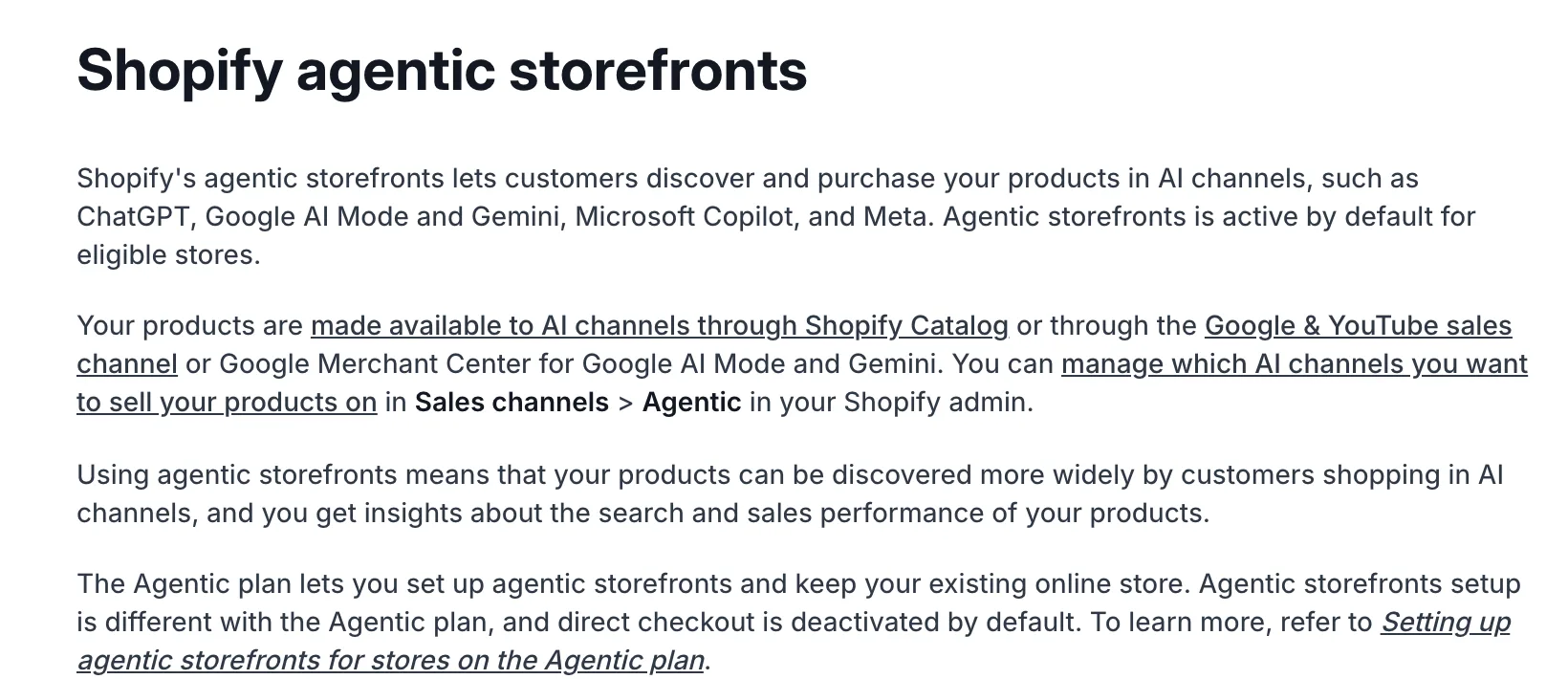
ChatGPT, Google AI Mode and Gemini, Microsoft Copilot and Meta each have their own page in Shopify's help center. All four pages list the same four eligibility checks. Pass them once and a product can appear in every channel, and Shopify turns the channels on by default for eligible stores.
The four checks
Each channel page requires the same things:
- You sell to customers in the United States. Meta also accepts Canada and Mexico. Google also requires a store based in the United States.
- Your products are eligible for Shopify Catalog. Catalog is the feed Shopify sends to every AI channel.
- You accept the Shopify Agentic Storefronts Supplemental Terms of Service.
- You publish three store policies. Terms of service, privacy policy, and return and refund policy, completed in Settings > Policies.
Sources: Shopify's pages for ChatGPT, Google AI Mode and Gemini, Microsoft Copilot and Meta, retrieved September 26, 2026.
What Shopify Catalog requires
Check 2 carries most of the work. Shopify's Catalog requirements page says each product must:
- have a title and at least 1 product image
- have a price greater than zero
- be published to your online store, Hydrogen, or Headless channels
- have an identifiable product URL
- not have Unlisted status or be hidden from search engines
- not contain sensitive content, such as mature content
The store must be on the Starter plan or higher and can't be in private mode. Shopify also reviews account standing over time: a verified email, two-step authentication, real sales, prompt fulfillment, a low chargeback rate and paid invoices.
Two rules apply only to some stores. A Hydrogen or Headless store must use Shopify's route format for product URLs. A store on the Shopify Agentic plan with no published online store must add the external product URL to each product.
Where the channels differ
The checks are shared. The checkout and the extra setup are not.
| Channel | Where the buyer pays | Extra setup |
|---|---|---|
| ChatGPT | Your own online store checkout, in ChatGPT's in-app browser or a new tab | None |
| Google AI Mode and Gemini | Shopify-powered checkout inside the channel, still rolling out | A Google Merchant Center account that meets Google's requirements |
| Microsoft Copilot | Shopify-powered checkout inside the channel, shown to US buyers only | None |
| Meta, including Muse | Shopify-powered checkout inside the channel | Facebook and Instagram channel with product sync on, for shoppable ads |
Shopify calls ChatGPT "a discovery-focused referrer platform," and its page states there are no fees for selling there. The other three channels turn direct checkout on by default. You can turn it off, and buyers then finish on your store.
Opting out
Blocking AI crawlers doesn't take you out. Shopify's Catalog and product discovery page says a robots.txt block affects only open-web discovery. Shopify Catalog still sends your product data to every channel you have on. To hide a product from AI channels, set it to Unlisted, or remove a channel in Sales channels > Agentic.
One store against the list
A description isn't on Shopify's list. A product with a title, a photo and a price passes, but an agent can only tell a buyer what you published.
On September 8, we measured a 594-product record store against a stricter bar than Shopify's: title, description, image, price and available inventory. By that bar, 55 products were ready.
| Gap | Products |
|---|---|
| Missing description | 496 |
| No inventory | 126 |
| No image | 69 |
| No price | 5 |
The image and price gaps keep a product out of Shopify Catalog. The description gap keeps it in, with nothing for an agent to say. For 300 of those products, a missing description was the only gap.
The store also runs headless. Buyers shop a Hydrogen storefront on its own domain, while the primary Shopify domain serves a wholesale theme set to noindex. For a store like that, check which channel each product is published to and where its product URL leads. We covered the browser side of the same headless gap in Shopify's built-in agent tools.
How to check your store
- Open Sales channels > Agentic in your Shopify admin and note which channels are on.
- Open Settings > Policies and confirm all three policies are complete.
- Export your products and flag any with no image, a price of zero, Unlisted status, or the hidden-from-search setting.
- For a Hydrogen or Headless store, confirm each product's channel and where its URL leads.
- For Google, confirm Merchant Center has no disapprovals. For Meta, confirm the Facebook and Instagram channel syncs products.
- Sort what's left by missing description, and write descriptions for your best sellers first.
Your catalog and your brand both matter.
Pixelcove does design, technical SEO, and Shopify, run on systems we build ourselves. Our Shopify store development covers the catalog work that decides what an AI channel can say about your products. If you sell a real catalog, let's talk.